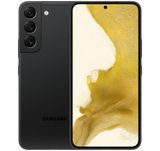
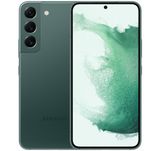
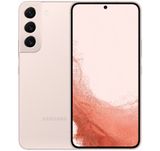
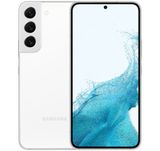
Overview of the flagship smartphone Samsung Galaxy S22+
The new flagship smartphones of the Samsung Galaxy S22 series, presented at the Galaxy Unpacked conference, have finally been unveiled.
Initially, it was planned that they would go on official sale in the Russian market by mid-March 2022, but then something happened, and at the time of publication, they were still not available in the Samsung store. As is tradition, the lineup consists of three models: Galaxy S22, S22+, and S22 Ultra.
And, again following tradition, we will start the review with the most balanced, mid-range model of the series – Samsung Galaxy S22+.
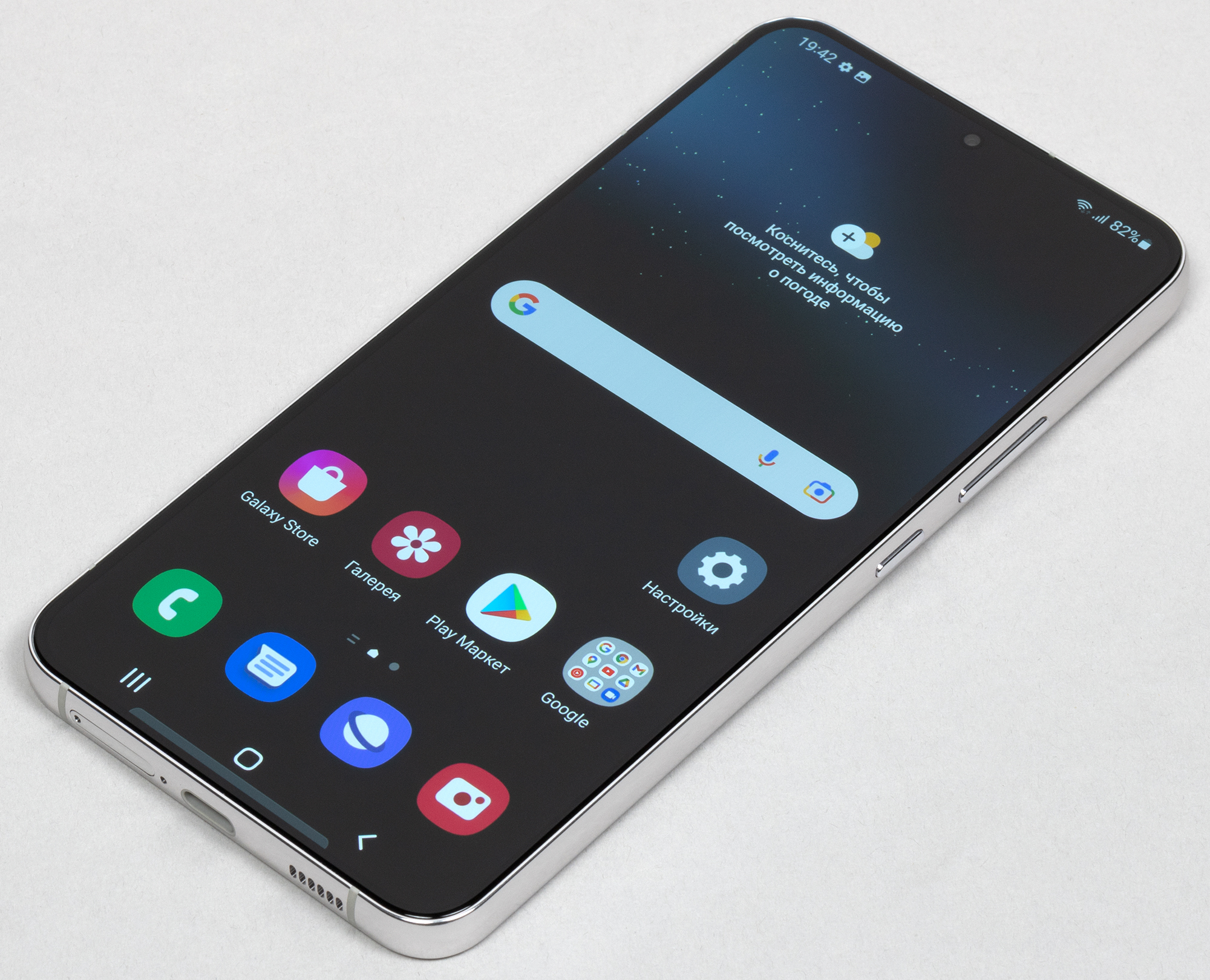
Main specifications of Samsung Galaxy S22+
(model SM-S906B) SoC Exynos 2200, 8 processor cores (1×Cortex-X2 @ 2.8 GHz + 3×Cortex-A710 @ 2.50 GHz + 4×Cortex-A510 @ 1.8 GHz) GPU Xclipse 920 Operating system Android 12, One UI 4.1 Touch display Dynamic AMOLED 2X, 6.6", 1080×2340, 19.5:9, 393 ppi, 120 Hz RAM 8 GB, internal memory 128/256 GB UFS 3.1 No microSD support Nano-SIM support (2 pcs.) Networks 2G GSM, 3G WCDMA, 4G, 5G GPS/A-GPS, GLONASS, Galileo, BDS Wi-Fi 6E (802.11a/b/g/n/ac/ax, 2.4/5 GHz) Bluetooth 5.2, A2DP, LE NFC USB Type-C 3.2, USB OTG No 3.5mm audio output Cameras 50 MP + 12 MP (ultrawide) + 10 MP (telephoto), video 8K Front camera 10 MP Proximity and light sensors, magnetic field, accelerometer, gyroscope Under-display fingerprint scanner (ultrasonic) Battery 4500 mAh, fast charging 45 W Dimensions 157×76×7.6 mm Weight 196 g
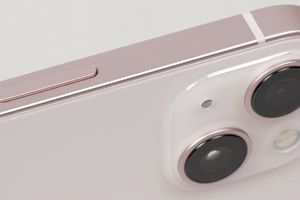
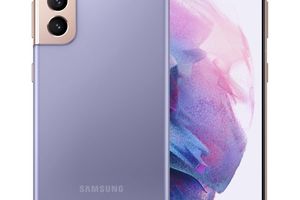
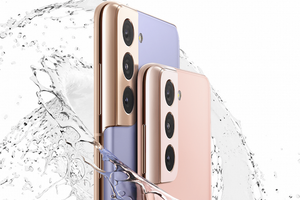
Appearance and usability The Samsung Galaxy S22+ smartphone looks very similar to its predecessors from last year's Galaxy S21 series. It features a flat body, a wide almost flat side frame, and a massive protrusion of a similar shape housing the camera lenses. In the company itself, this signature design is called Contour-Cut.
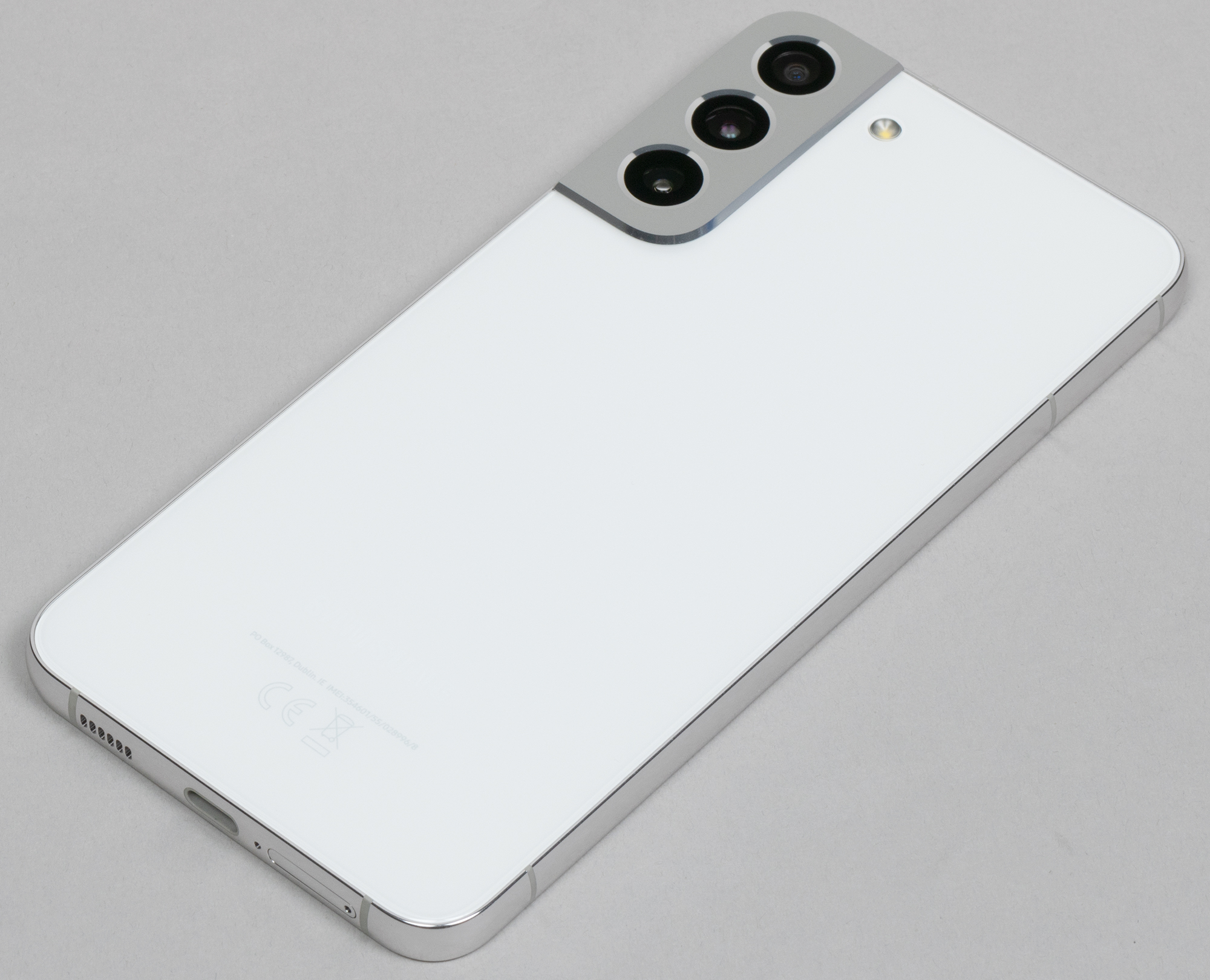
Perhaps, all of this has become even flatter and wider. The back glass panel and front glass now show no signs of convex or curved edges. However, due to the wide sides, the device is easy to lift from the table and comfortable to hold in hand. The back glass is matte, and fingerprints are not visible on it. The frame is smooth and chrome-plated, but it does not slip in the fingers either.

Galaxy S22+ is not that large by modern standards, and its weight does not even reach 200 grams. At the same time, the materials are top-notch: the latest generation Gorilla Glass Victus+ on the front and back, and a solid aluminum frame on the side. The practicality of such a body is beyond doubt.
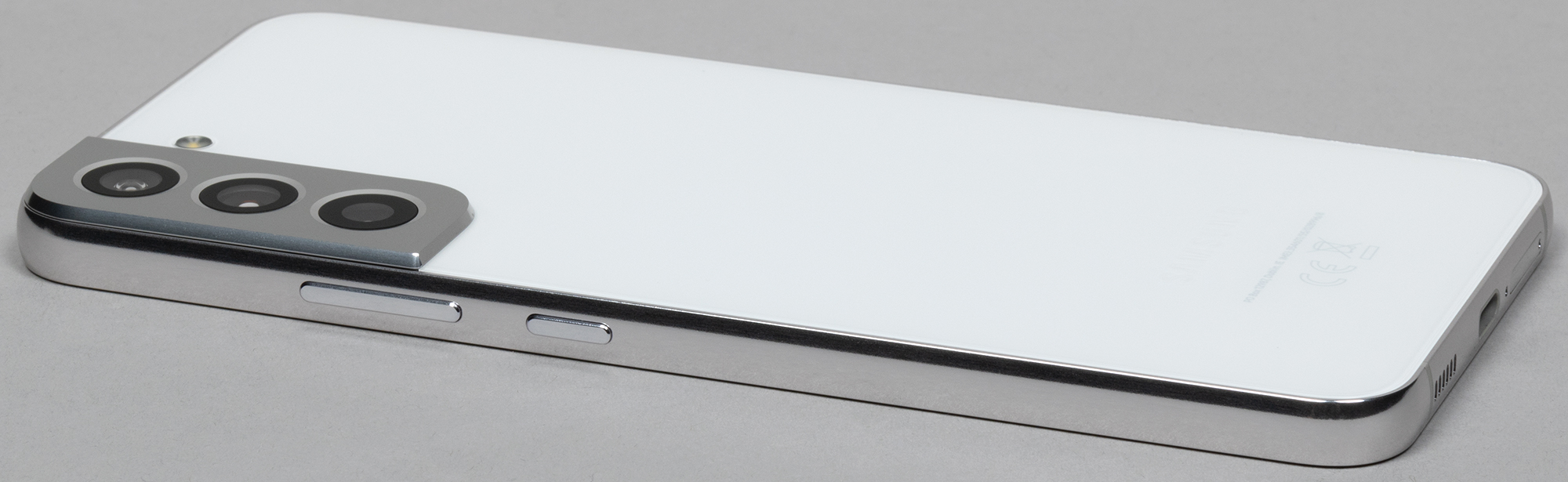
In general, one can come to the disappointing conclusion that the new Galaxy S22 and S22+ are the most durable flagships from Samsung. After all, they are not only the first models in the Galaxy S series made from ultra-durable reinforced aluminum, but they also became the first smartphones with Corning Gorilla Glass Victus+, which protects the front and back panels.
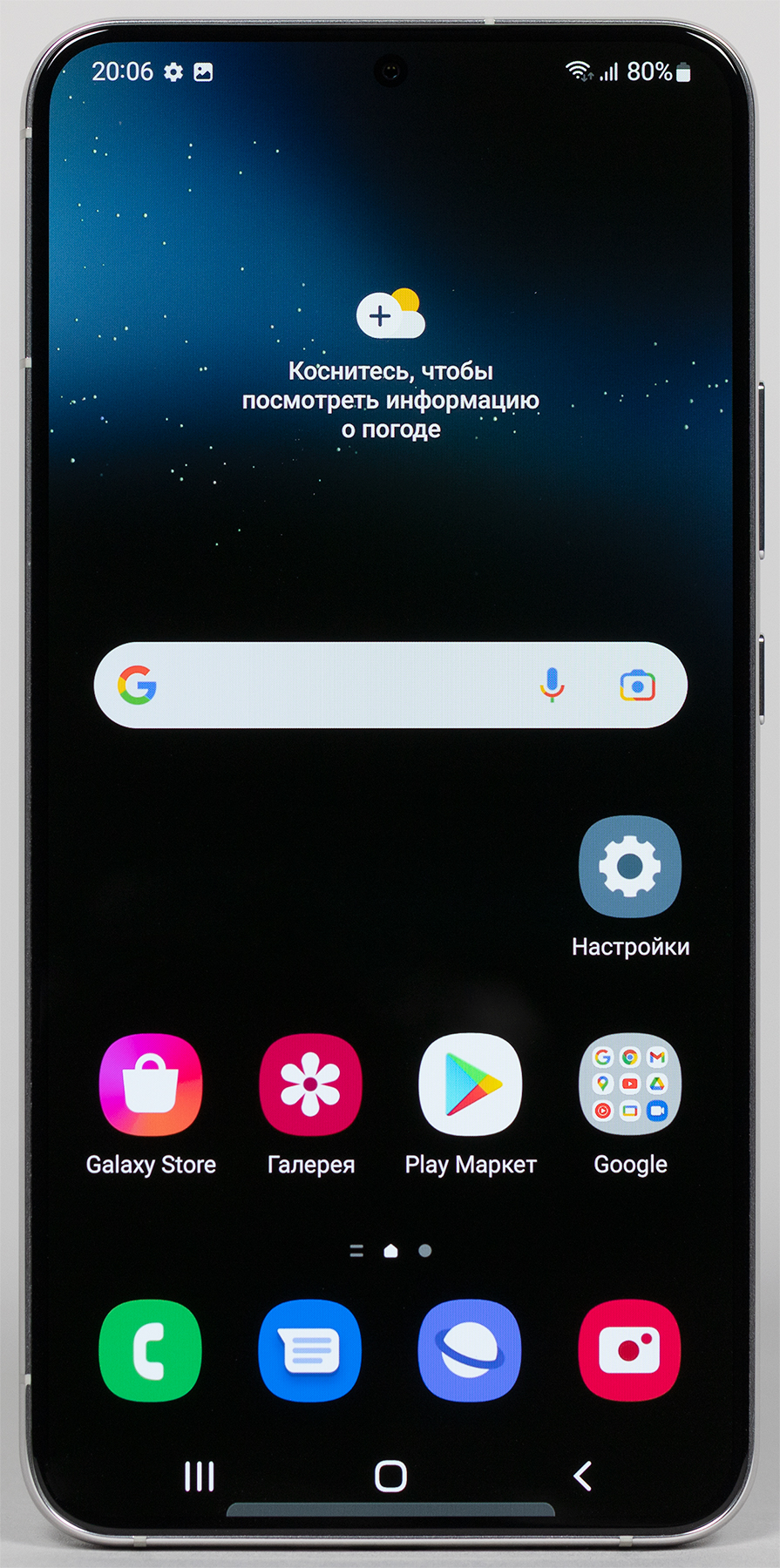
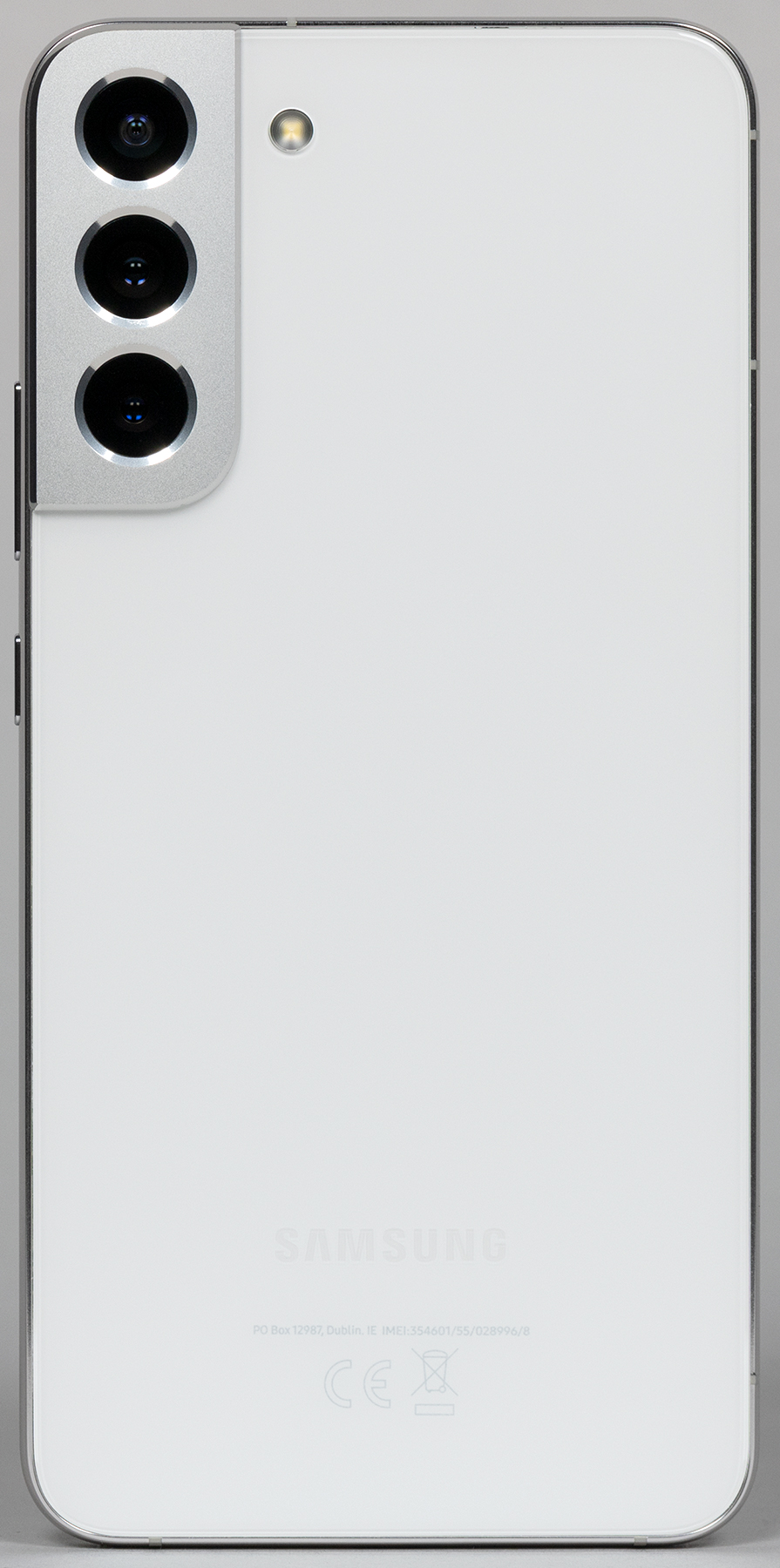
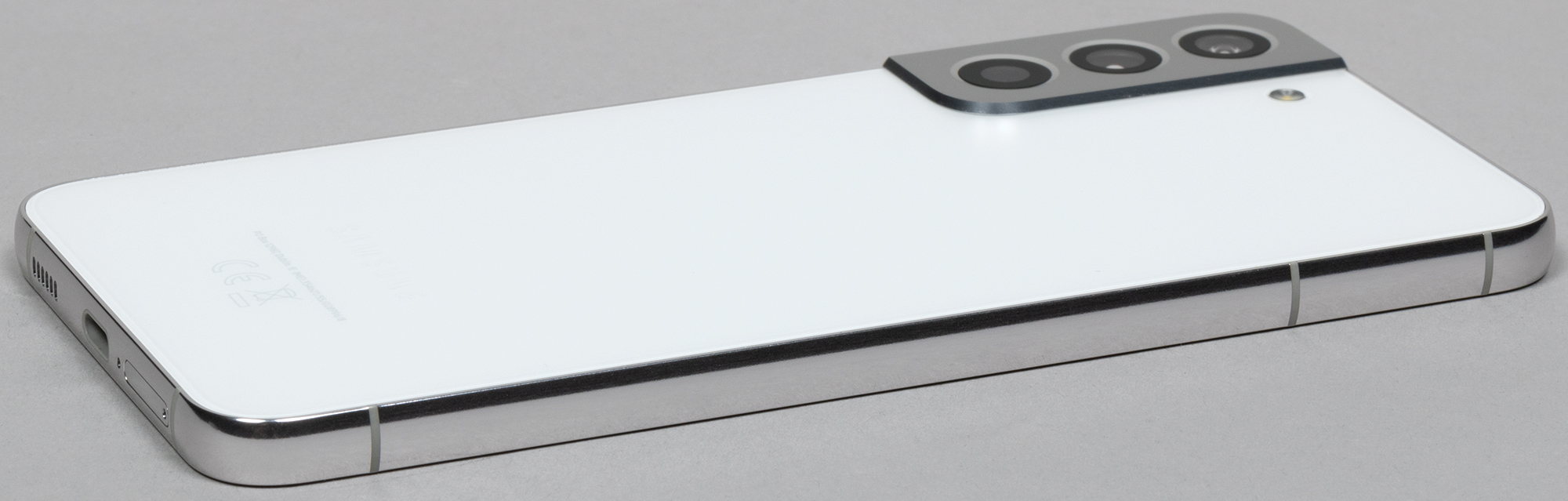
The camera block, of course, protrudes, making the smartphone unstable on a hard surface, wobbling during screen use.
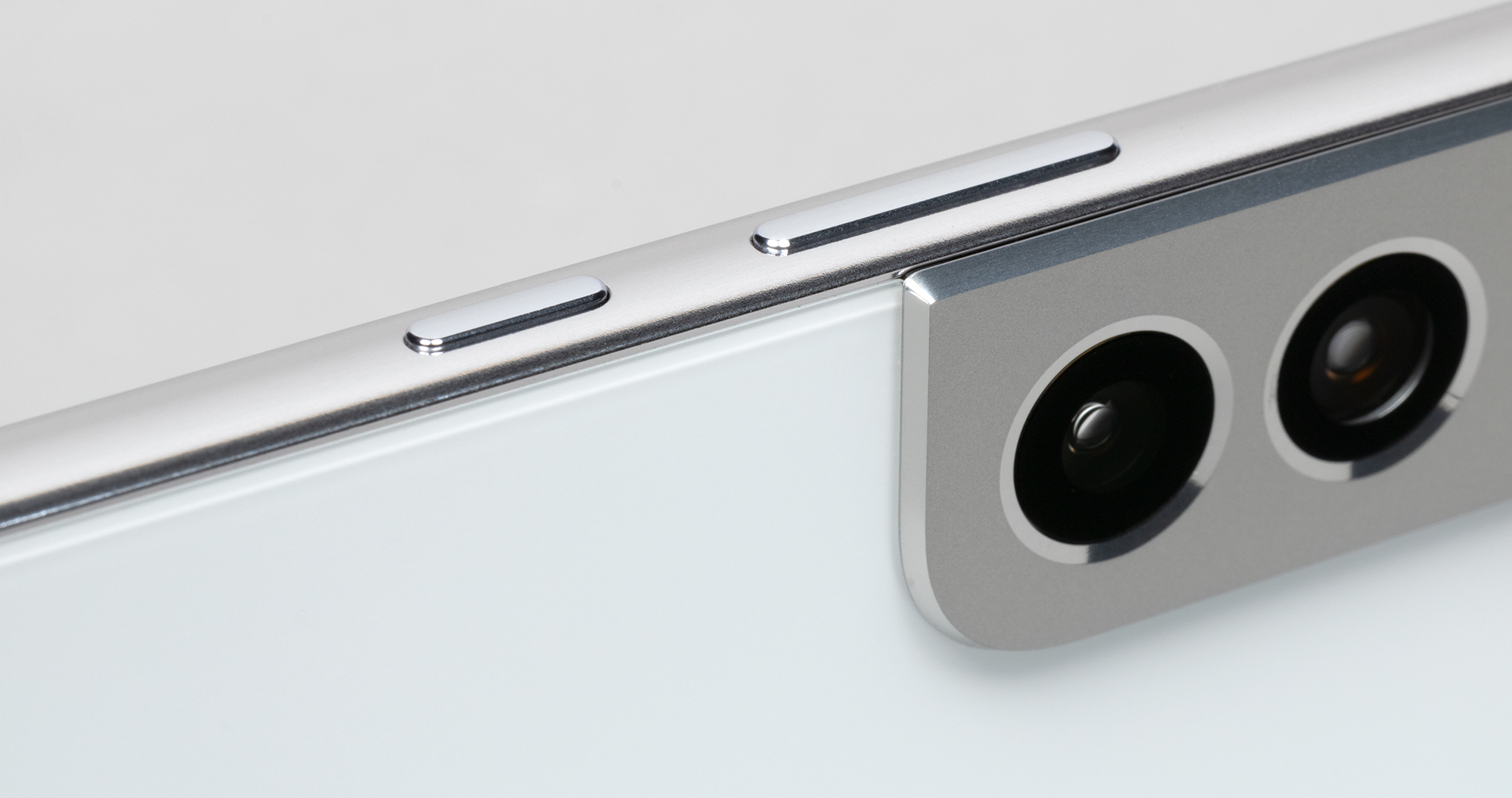
The buttons, as always with Samsung, are the best. They are large, wide, made of real metal, easy to find by touch, have a long pleasant springy travel, and a clear response.
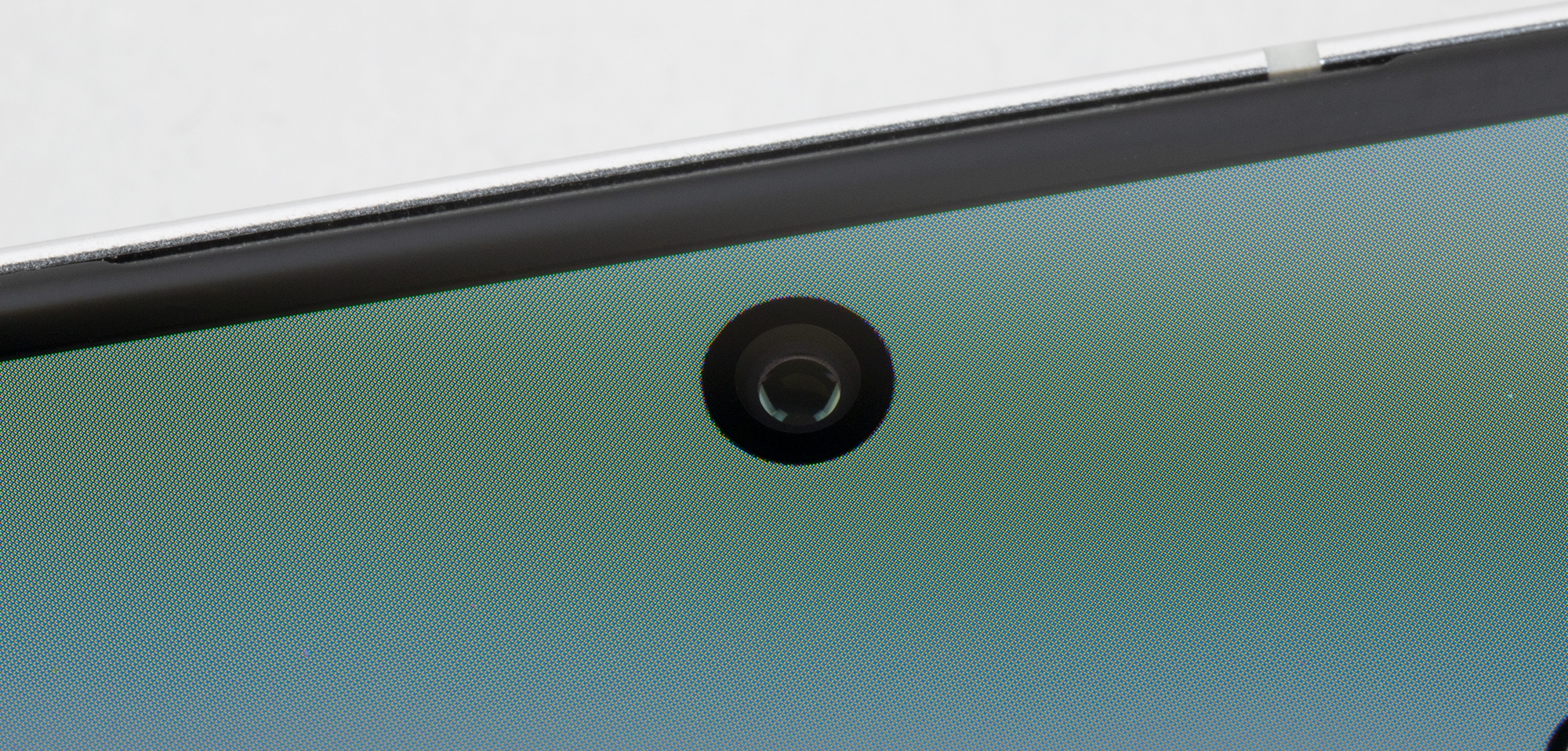
The front camera is installed behind a very small round cutout in the screen matrix. There is no LED notification indicator.
The fingerprint scanner is installed under the screen glass. The sensor is ultrasonic, responds quickly and accurately.
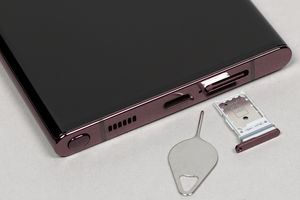
In the slot on the bottom edge, you can install two Nano-SIM cards, and there is no place for a microSD memory card. Hot swapping of cards and the use of eSIM is supported.
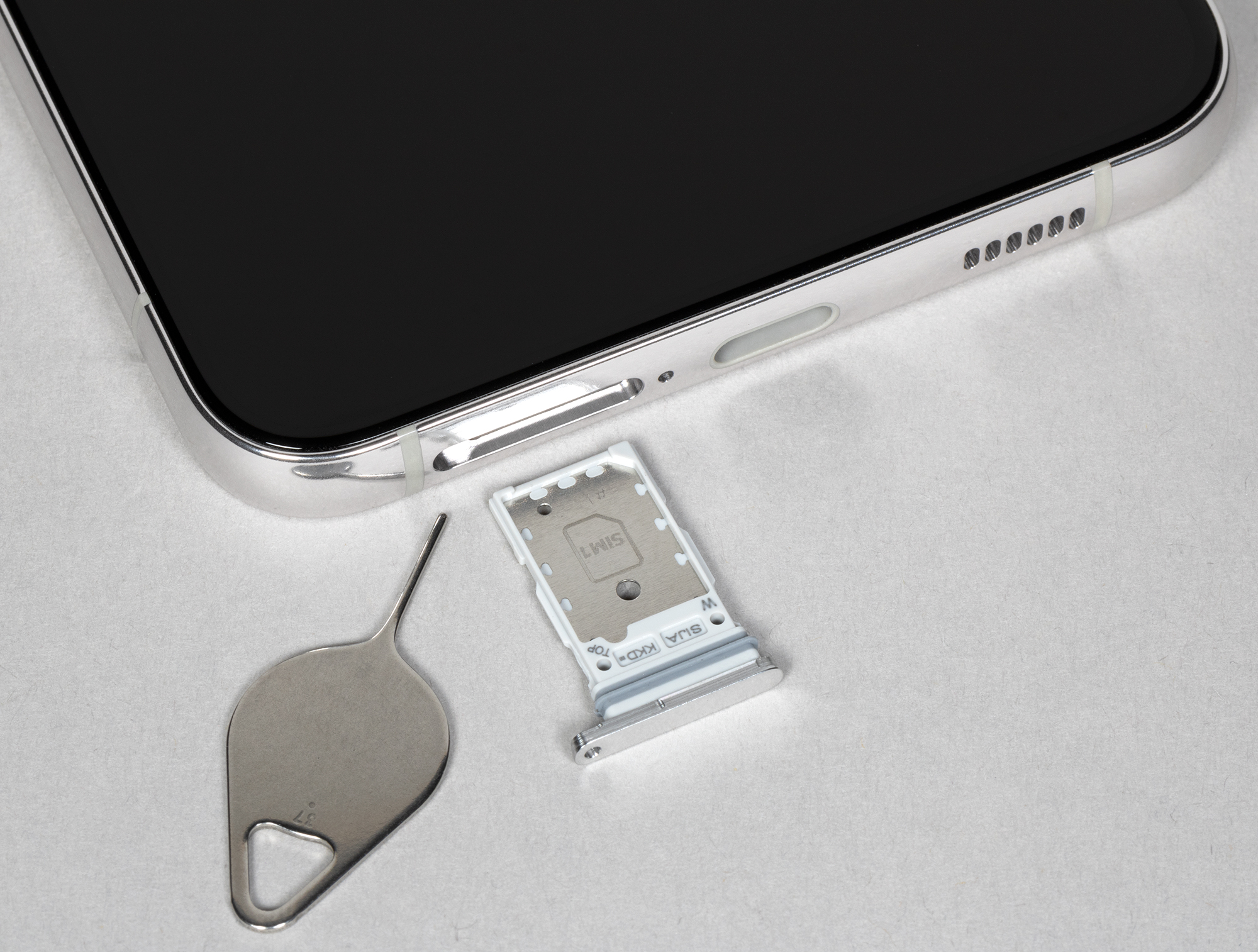
On the bottom edge, besides the card slot, there is a speaker, a microphone, and a USB Type-C port. The top edge has nothing except an additional microphone. The 3.5mm audio output for headphones is again absent.

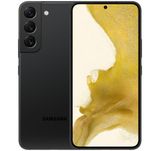
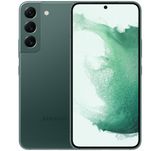
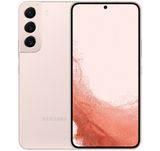
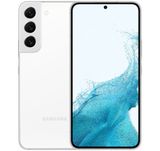
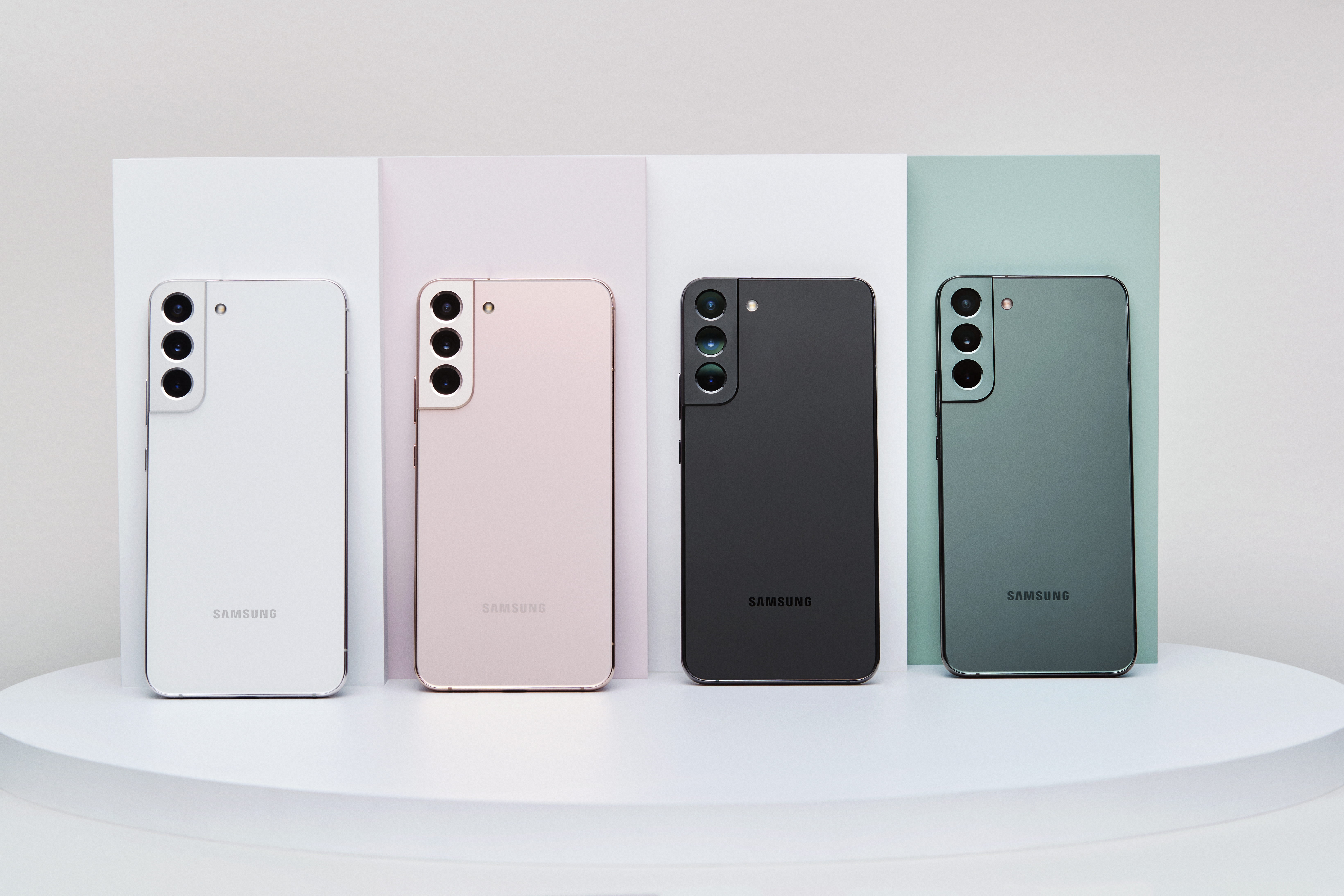
The Samsung Galaxy S22+ is available in several colors: green, pink, black, and white. It has protection against moisture and dust according to the IP68 standard.
Display
The Samsung Galaxy S22+ is equipped with a Dynamic AMOLED 2X display with a diagonal of 6.6 inches and a resolution of 1080×2340, covered with flat glass without curved edges Corning Gorilla Victus+. The physical dimensions of the screen are 70x145 mm, the aspect ratio is 19.5:9, and the pixel density is 393 ppi.
The width of the bezel around the screen is 3 mm on the sides, 3 mm on the top, and 3 mm on the bottom. The screen supports HDR10+ mode and a refresh rate of 120 Hz.
The front surface of the screen is made of a glass plate with a mirror-smooth surface, resistant to scratches.
Judging by the reflection of objects, the anti-reflective properties of the screen are better than those of the Google Nexus 7 (2013) (hereinafter simply Nexus 7).
For clarity, here is a photo showing a white surface reflected in the turned-off screens (on the left – Nexus 7, on the right – Samsung Galaxy S22+, which can be distinguished by size):
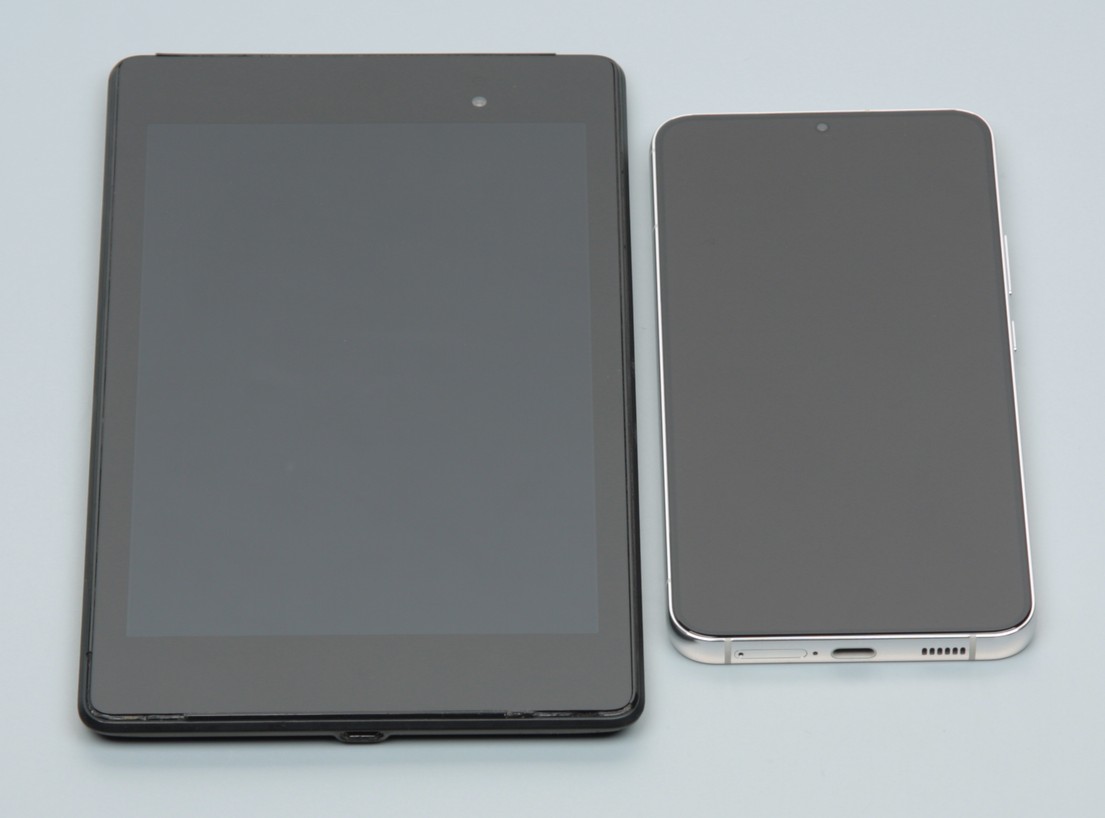
The screen on the Samsung Galaxy S22+ is noticeably darker (brightness in the photos 100 vs. 105 on the Nexus 7) and has no pronounced tint. The two reflected objects on the Samsung Galaxy S22+ screen are very faint, indicating that there is no air gap between the layers of the screen. Due to the fewer boundaries (type glass/air) with significantly different refractive indices, screens without an air gap look better in conditions of intense external illumination, but their repair in case of cracked outer glass is much more expensive, as the entire screen has to be replaced. The outer surface of the Samsung Galaxy S22+ screen has a special oleophobic (oil-repellent) coating (very effective, much better than on the Nexus 7), so fingerprints are removed much more easily and appear at a slower rate than with regular glass. When displaying a white field on the entire screen and manually controlling the quality, its maximum value was about 700 cd/m² under normal conditions (and if the high brightness mode is turned on, without it – 410 cd/m²), but in very bright light, it increases to 1050 cd/m². It should also be noted that in this case, the smaller the area of white on the screen, the brighter it is, meaning the actual maximum brightness of white areas will almost always be higher than the indicated value. As a result, reading the screen in daylight should be at an excellent level, and the dark theme not only saves battery charge but also contributes to better readability of information on the screen in high lighting conditions. The minimum brightness value is 1.6 cd/m², meaning the reduced brightness level allows the device to be used even in the dark without problems. Automatic brightness adjustment works based on the light sensor (located under the screen near the top edge and to the right of the center). The operation of this function depends on the position of the brightness adjustment slider: the user can try to set the desired brightness level in the current conditions. If left at default, in complete darkness, the auto-brightness function reduces brightness to 7 cd/m² (a bit dark), in conditions illuminated by artificial light in an office (approximately 550 lx) sets it to 100 cd/m² (normal), and conditionally under direct sunlight increases it to 1050 cd/m² (to the maximum, as needed). The result did not completely satisfy us, so in the dark, we slightly increased the brightness, resulting in the following values for the three conditions mentioned above: 17, 100, and 1050 cd/m² (an ideal combination). It turns out that the auto-brightness adjustment function works adequately and to some extent allows the user to customize its operation to individual requirements. At any brightness level, there is significant modulation with a frequency of 192 or 240 Hz. Below are the brightness dependencies (vertical axis) over time (horizontal axis) for several brightness setting values. Initially for the mode with a refresh rate of 60 Hz:
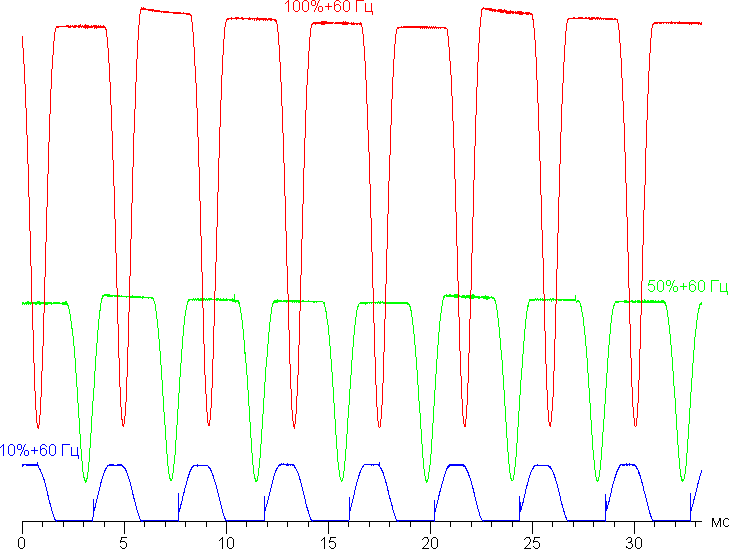
It is evident that at high and medium brightness, the amplitude of modulation is quite large, but the flicker rate is low, resulting in no visible flickering. However, when brightness is significantly reduced, modulation with a large relative amplitude and high flicker rate appears, its presence can already be seen in the stroboscopic effect test or simply when moving the eyes quickly. Depending on individual sensitivity, such flickering may cause increased fatigue. However, the modulation phase differs across the screen area, so the negative effect of flickering is reduced. In the screen settings, you can enable an adaptive mode with an increased refresh rate of up to 120 Hz. In this mode, at least they promise an increase in scrolling smoothness.