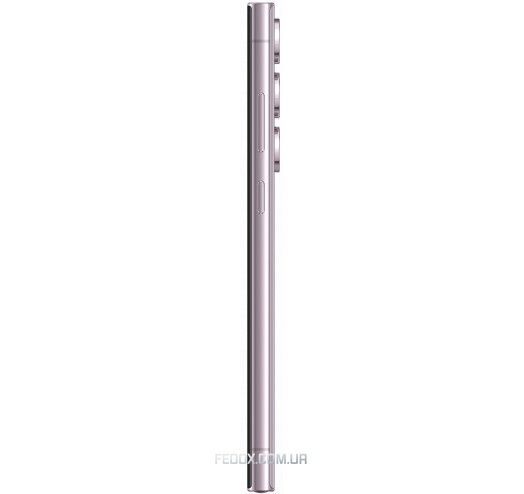
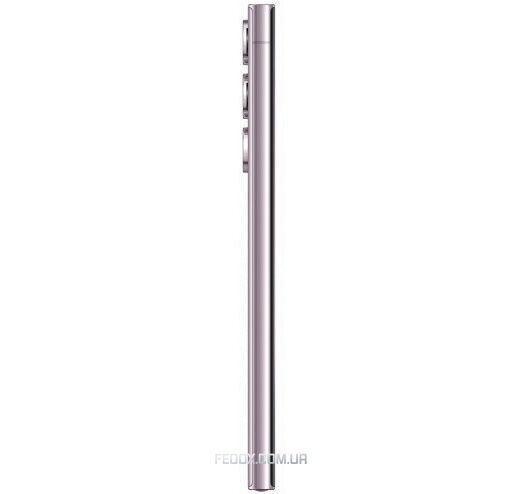
Samsung Galaxy S23 Ultra
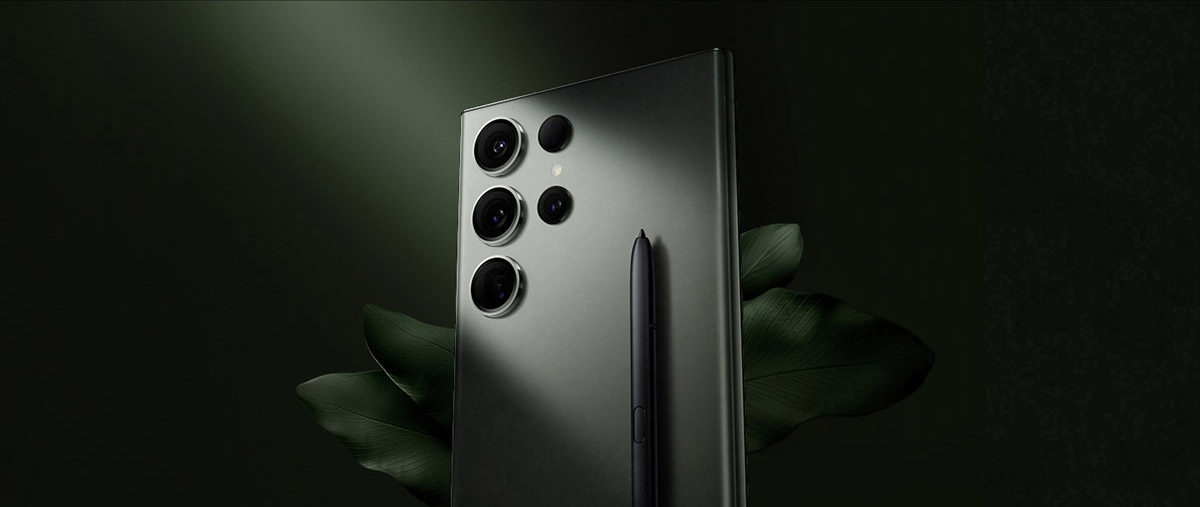
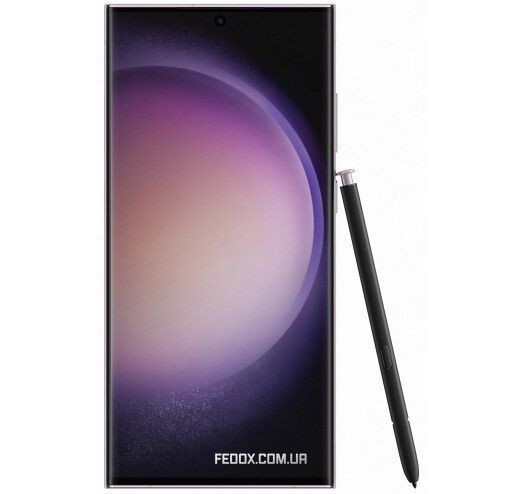
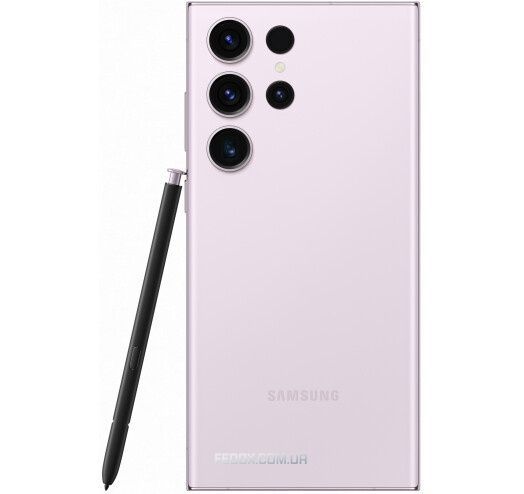
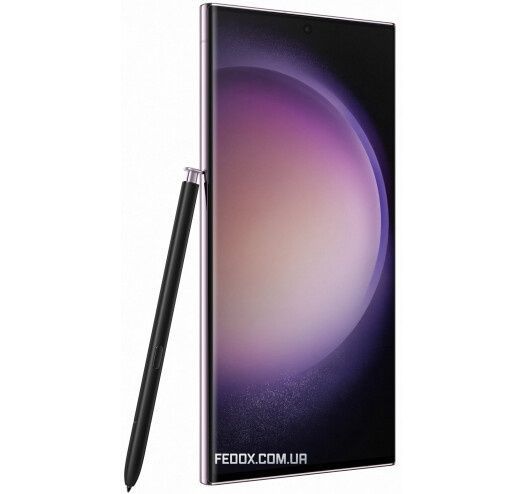
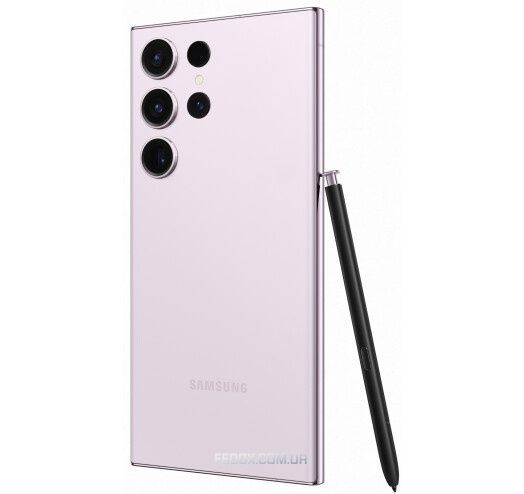
Meet the new Galaxy S23 Ultra smartphone, designed with care for the environment and equipped with a built-in S Pen, a night shooting camera, and a powerful processor for grand gaming.
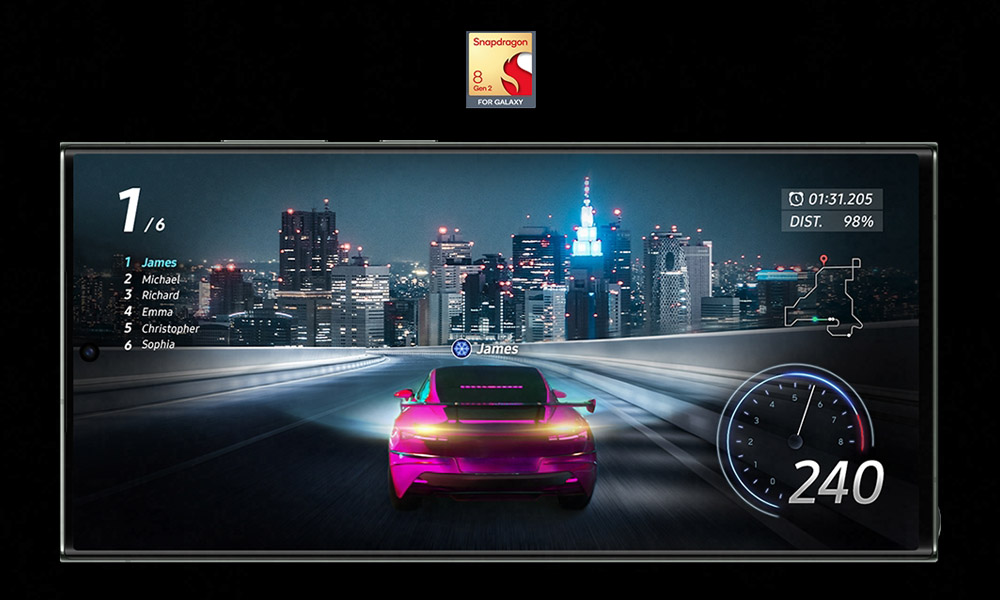
Power for those who don’t take breaks
The powerful Galaxy microprocessor allows you to use your time with maximum efficiency. Various functional enhancements ensure flawless gaming, video streaming, long battery life, and more.
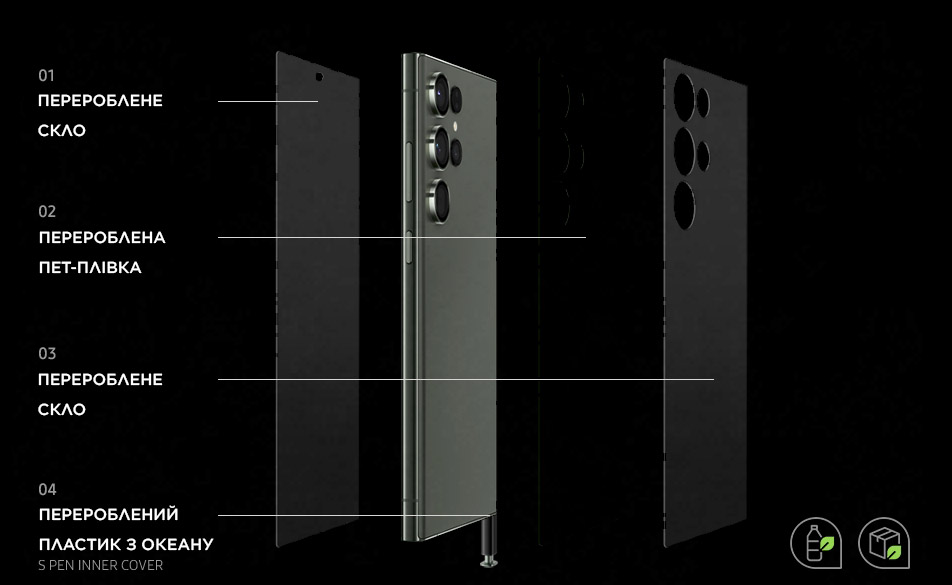
Created with care for the environment
By using recycled materials, we have created our most eco-friendly smartphone. Its body is made using recycled glass and plastic, and the packaging is made from recycled paper. Feel the care for the environment from the very first touch.
Huge possibilities for shooting and editing
For working with fine details, use the Expert RAW app. Take detailed, dynamic shots with a resolution of 50 MP or use astrophotography, multiple exposures, and other exposure options.
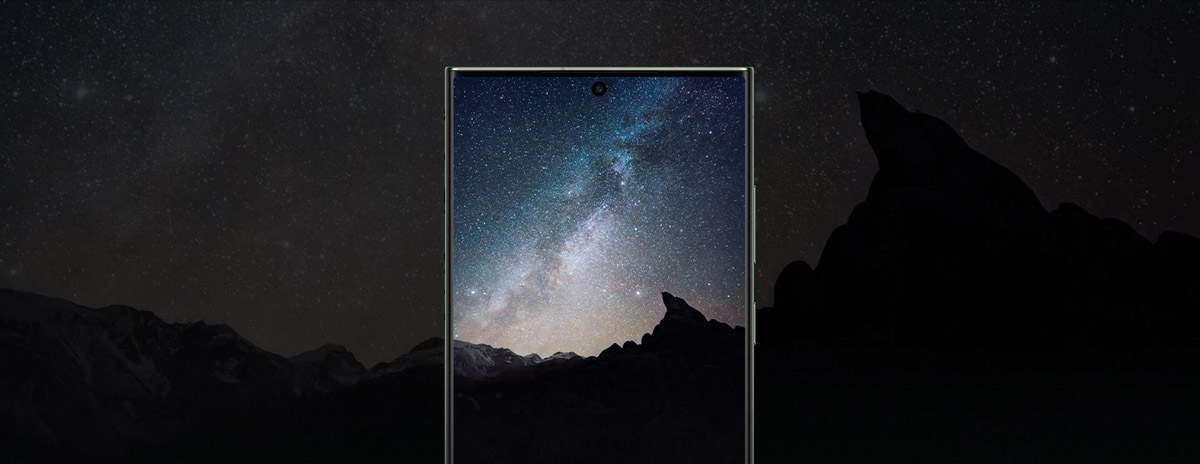
Dim lighting. Camera. Action!
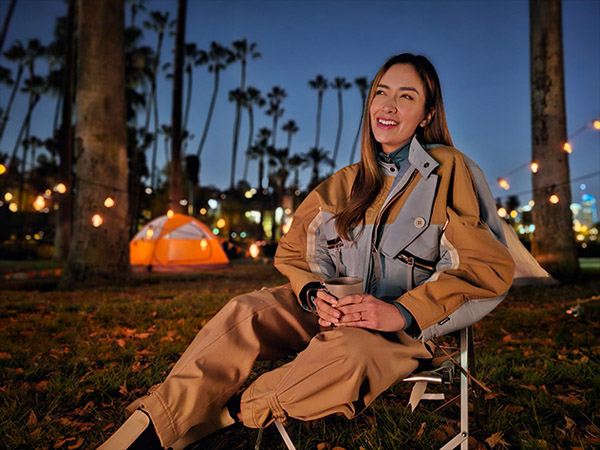
Take clear photos and record videos from evening to dawn. The camera with the most advanced Galaxy sensor and a powerful processor compensate for low light and eliminate noise, while the lens softens glare in the image.

A bright future is here
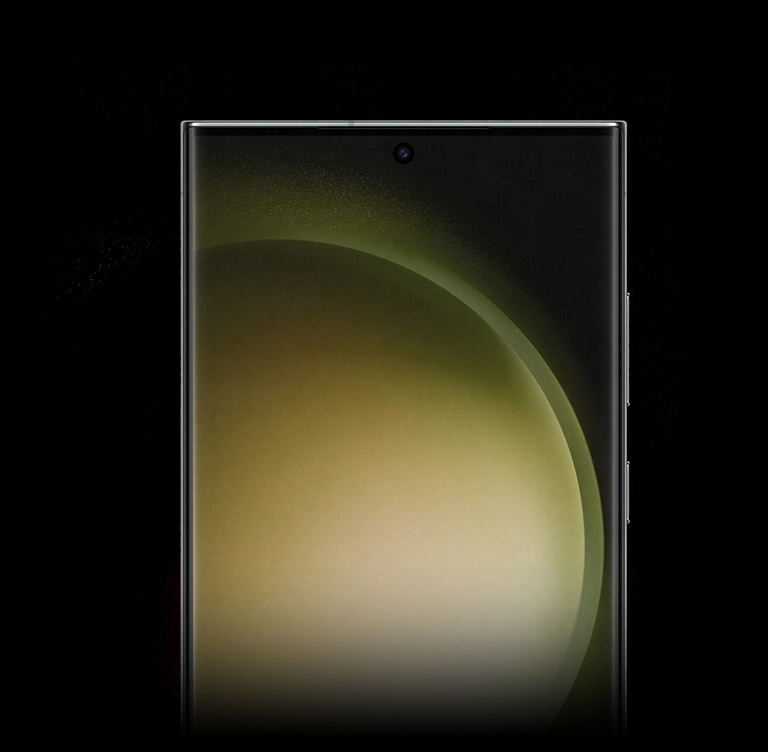
The Dynamic AMOLED 2X display provides clear content display and flawless color reproduction regardless of the set brightness level. The screen refresh rate dynamically adjusts up to 120 Hz to avoid stuttering and save battery life.
Host grand battles
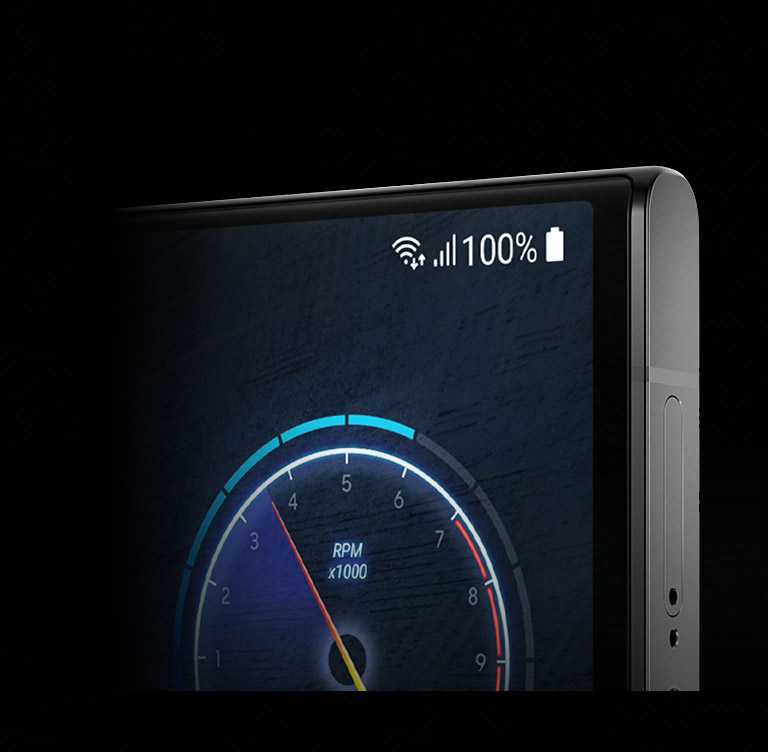
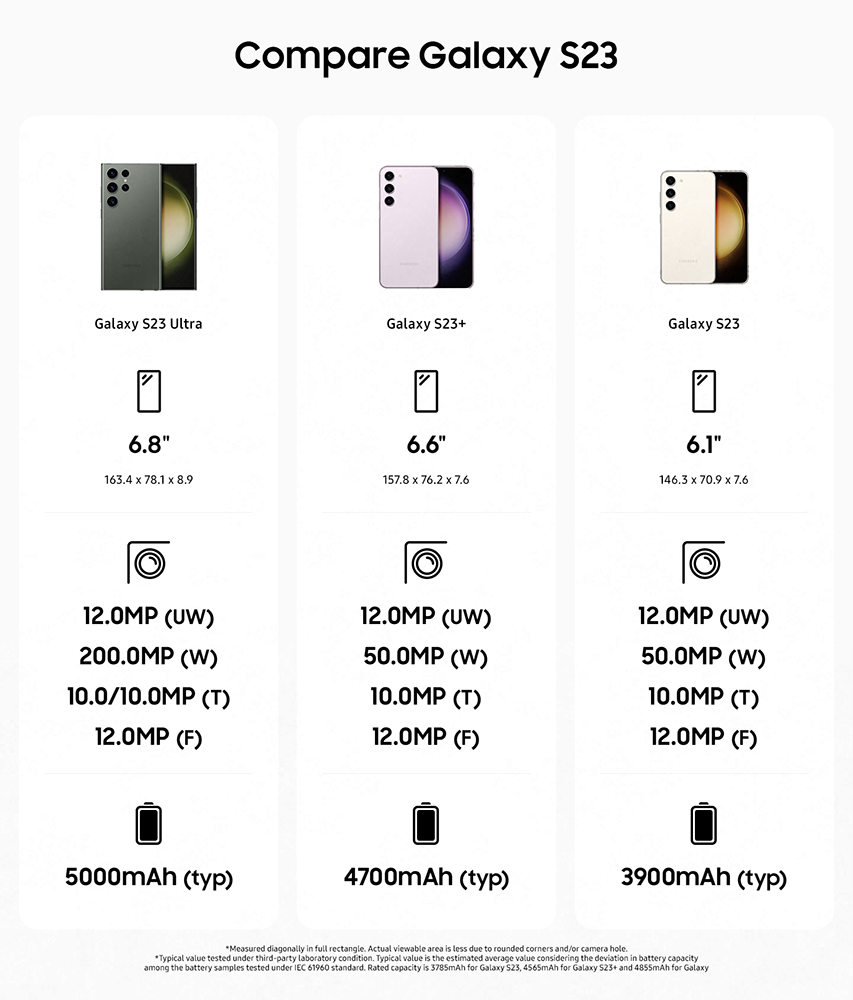
Meet the battery that provides long-lasting performance and helps you achieve victory. This intelligent 5,000 mAh battery (typical value) saves energy so you can play and watch streaming video all night long.
Includes a built-in electronic pen, characteristic of Note
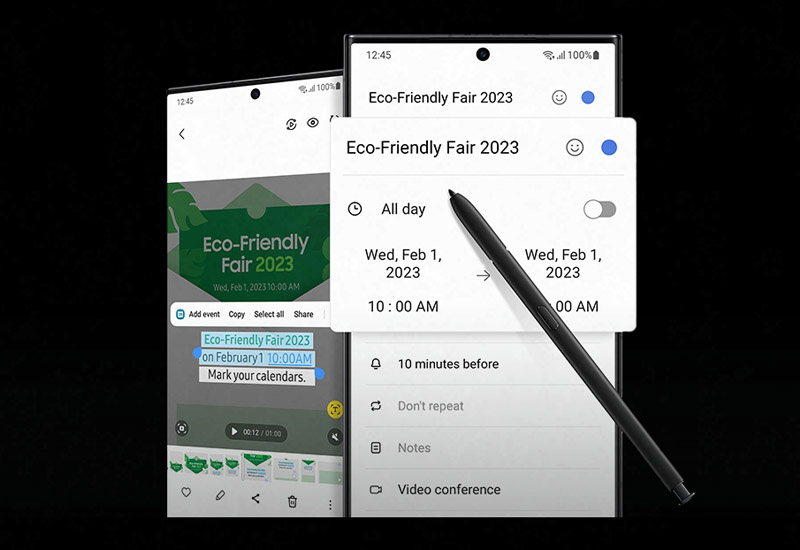
The S Pen continues the traditions of Note devices and allows you to conveniently and environmentally safely take notes and draw sketches without using a paper notebook.
Multi Control and multitasking
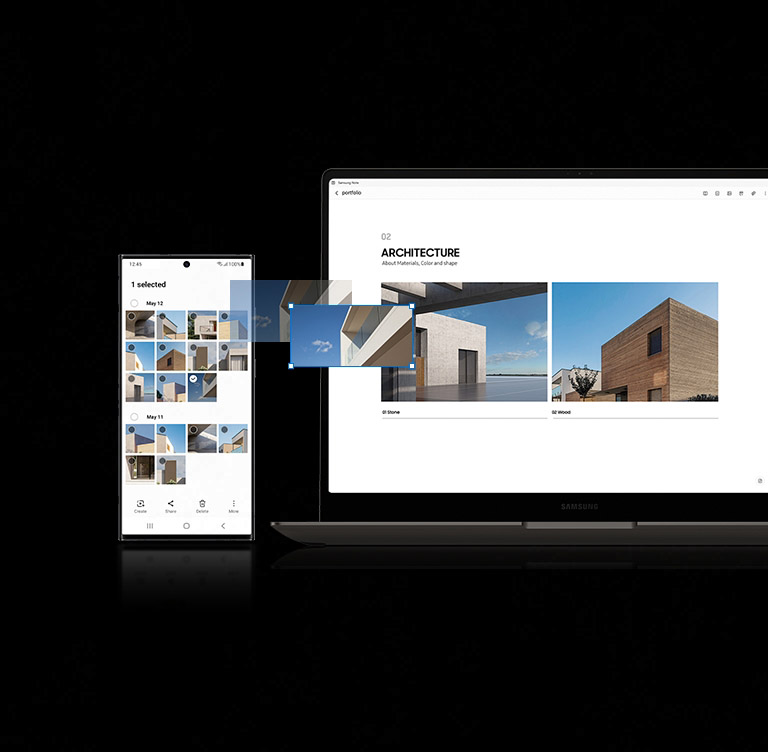
Use different devices to work on ideas. With a shared interface on Galaxy devices, you can use one mouse, keyboard, or touchpad to drag text and images to your PC and then return them to your phone.
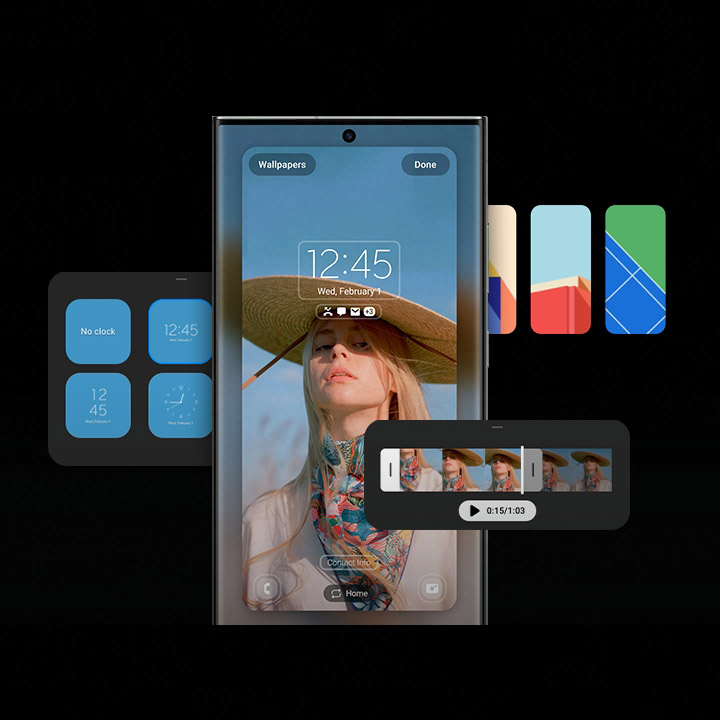
Your Galaxy, personally
Now you can easily customize your phone according to your needs. One UI opens up the widest possibilities for personalization, including lock screens, themes, widgets, notifications, and more.
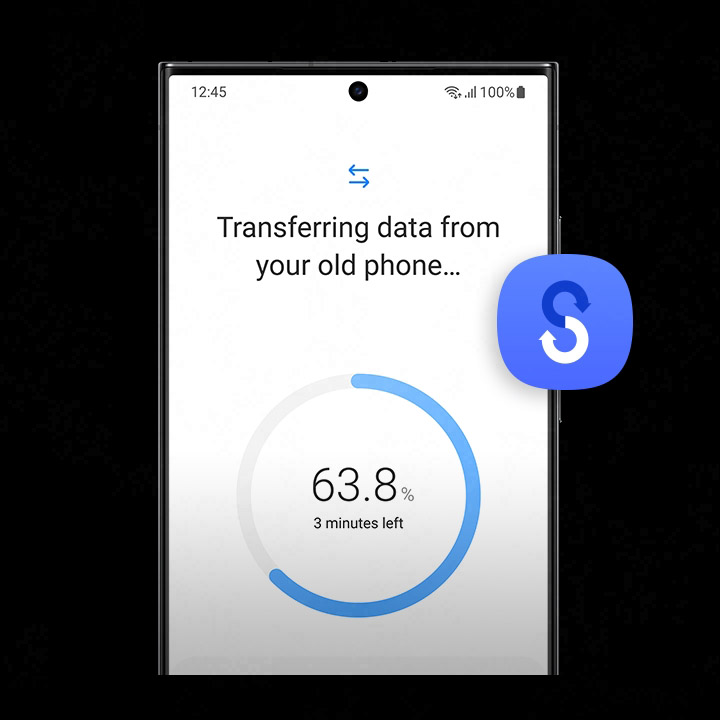
Saving data is easy
Use Wi-Fi for data transfer or simply log into your Samsung Account. In just a few steps, transfer your apps, photos, messages, and other information from any operating system to your new phone.







 Delivery to the Nova Poshta branch


 12 months warranty.
 14 days exchange/return